>
How to >
>
How to >
Top 11 Unblocked Browsers for School
When you try to search for information or take a quick break after class, you only find that school browsers block almost every game, video, and entertainment site. Worse, due to the MDM restriction, school computers and Chromebooks won’t let you install new software like VPN to bypass the network. Don't worry. Unblocked browsers bypass restrictions easily, so you can access the sites you need without a VPN.
You may also feel interested in: 20 Games Not Blocked by School [2026 Verified]
Part 1: What Is an Unblocked Browser
Unblocked browsers refer to the web browsers designed to bypass school firewalls and content filters, so you can access game, entertainment, or social media sites, without much hassle.
Its prominent value for students is that you don't have to hunt for the unblocked version of every site, such as YouTube unblocked, Spotify unblocked, Roblox unblocked, unblocked anime websites, etc. Let alone some unblocked versions often get blocked by school soon. But having a working unblocked browser gets you all unblocked sites. It is ideal for school computers, Chromebooks, restricted iPhone or iPad, letting you bypass school network when you can't install heavy software.
- To bypass the network restriction set by school or workplace.
- Can't install VPN for reasons to access sites freely.
- Break the regional content.
- To visit sites privately without being tracked or recorded.
Part 2: How to Choose an Unblocked Browser
When you are indecisive on which unblocked browser to pick, you can refer to the following points:
- Compatibility: Some unblocked browsers are web versions, while others might be app versions. So you need to consider if it can be compatible with your school-issued device, especially Chromebooks.
- Privacy: School browsers monitor your traffic while unblocked browsers rarely do. You should choose those that don't log your browser history or track your Internet activities.
- Security: Unblocked browsers equipped with protections like HTTPS enforcement, malware blocking, and ad filtering are more secure than some low-quality web proxies.
- Speed: Privacy and security are not enough for a good unblocked browser. Fast speed is very important to load pages smoothly, so you can stream or play web-based games without noticeable lag.
| Unblocked Unblocked Browsers | App Compatibility | Built-in VPN | Ad-blocker | Online Option? |
|---|---|---|---|---|
| 1. Tor Browser | Windows, macOS, Linux, Android (Chromebook) | ❌ | ❌ | No |
| 2. Opera Browser | Windows, macOS, Linux, iOS, Android (Chromebook) | ✅ | ✅ | No |
| 3. Brave Browser | Windows, macOS, Linux, iOS, Android (Chromebook) | ✅ | ✅ | No |
| 4. Aloha Browser | Windows, macOS, iOS, Android (Chromebook) | ✅ | ✅ | No |
| 5. Psiphon Browser | Windows, iOS, Android (Chromebook) | ❌ | ❌ | No |
| 6. UR Browser | Windows, macOS | ✅ | ✅ | No |
| 7. Epic Privacy Browser | Windows, macOS, iOS, Android (Chromebook) | ❌ | ✅ | No |
| 8. DuckDuckGo Browser | Windows, macOS, iOS, Android (Chromebook) | ❌ | ✅ | Browser extension |
| 9. Puffin Browser | Windows, macOS, iOS, Android (Chromebook), Android TV | ❌ | ❌ | No |
| 10. Startpage Browser | iOS, Android (Chromebook) | ❌ | ✅ | Browser extension |
| 11. Zen Browser | Windows | ❌ | ✅ | No |
Part 3: Top 11 Unblocked Browsers for School
This part will introduce top 11 unblocked browsers for school, some of which excel at privacy, others at speed or compatibility. Each of them has its own pros and cons, and you can pick what fits your school’s setup the best according to your actual situation.
1. Tor Browser
Tor browser can help you access sites that are blocked by school or workplace network. It has multi-layered encryption used on a network of volunteer servers to route your traffic anonymously, so your activities will be hidden from third surveillence. When you finish browsing, Tor will automatically clear all cookies, making any tracking impossible. It supports Windows, Mac, Linux, and Android, but lack the comptibility for iOS.

- Access almost any blocked site by masking your IP.
- It's completely free and open-source.
- Strong privacy protections like block trackers.
- Tor Browser is so common now that some schools may block its domain directly.
- May be slow for streaming or gaming due to server routing of multi-layers.
- No official app for iPhone or iPad.
2. Opera Browser
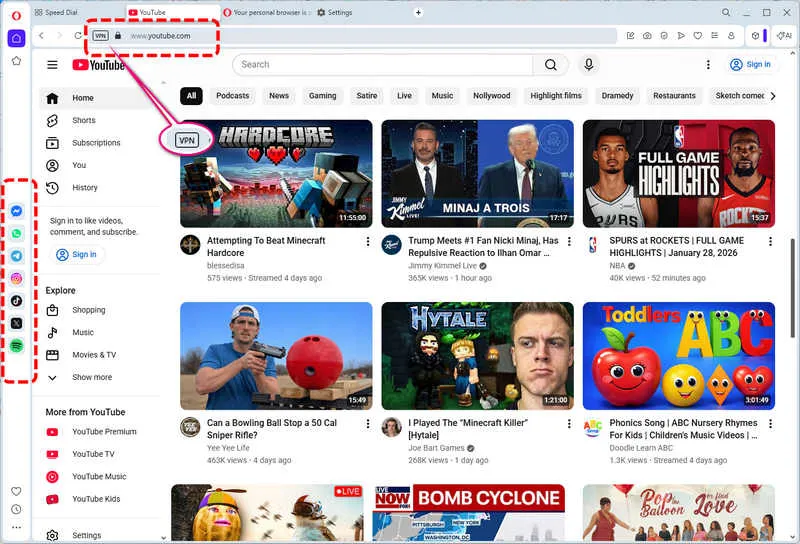
Opera is a feature-packed unblocked browser with a built-in VPN that bypasses school blocks. When setting up Opera, it allows you to add popular platforms, including Spotify, TikTok, Facebook, Twitter, WhatsApp, etc., into the sidebar, import personal data from Chrome, and enable the ad blocker to speed up loading times. It is easy to use and has a wide compatibility with Windows, macOS, Linux, iOS, Android and Chromebook.
- It has a built-in free VPN to protect your privacy when browsing.
- Fast and lightweight.
- Works on most devices including Chromebooks.
- Various outstanding features like Opera AI, Screen Split, Snapshot, Music Player and more.
- The VPN feature is limited to the browser only.
- Some advanced features require a subscription.
- Not very work for strongly blocked sites.
- May be blocked by some schools.
3. Brave Browser
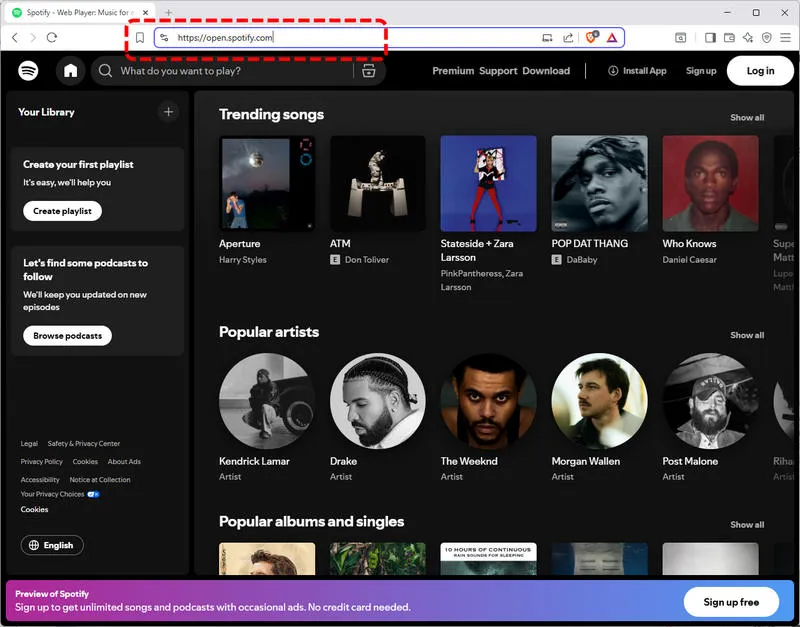
Brave enables you to block trackers and ads, making it a good choice for privacy-focused users. It's Chromium-based and you will find that its interface is very similar to Chrome. Besides, it is also equipped with a built-in VPN to protect your online activities even outside the Brave Browser. This unblocked browser supports Windows, macOS, Linux, Android, iOS and it will work seamlessly on Chromebooks.
- It's Chromium-based and compatible with Chromebooks.
- Provide fast loading speed.
- Friendly to Chrome users.
- The built-in VPN feature needs a subscription.
- May not bypass strict school firewalls.
- Some extensions may not work as expected.
4. Aloha Browser
Aloha Browser is originally designed for mobile users. Equipped with a built-in VPN and ad-blocker, encrypts your traffic to bypass blocks, making it perfect for students using school-issued phones or tablets. Not only does it work on iOS and Android, but now the desktop version is also available for Windows and Mac.
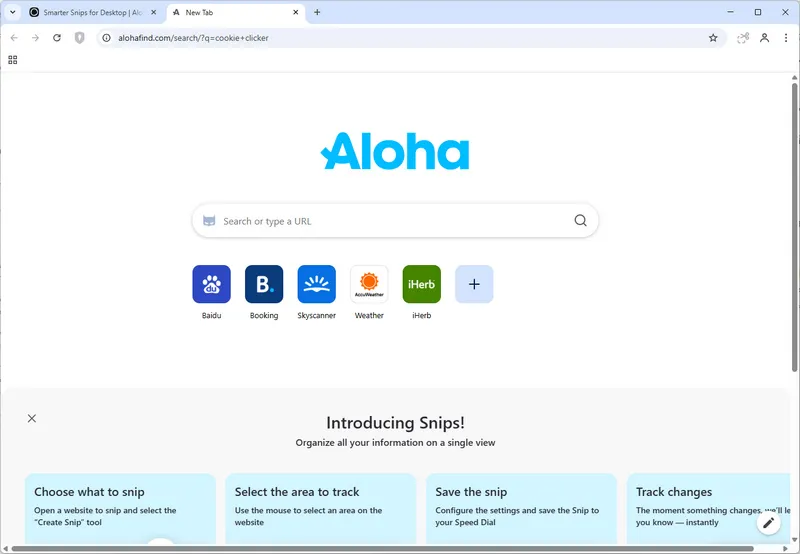
- Unblock restricted sites for school privately and securely.
- Built-in ad-blocker and incognito mode.
- Browse with free and unlimited VPN.
- Download music and videos inside the window.
- Desktop version is not mature yet.
- Not ideal for Chromebooks.
- The loading speed may be kind of slow.
5. Psiphon Browser
As one of the free and open-source unblocked browsers, Psiphon using a mix of VPN, proxy, and SSH technologies is designed to bypass censorship. It can help you bypass school filters and unblock sites effectively. Works on Windows Android, and iOS.
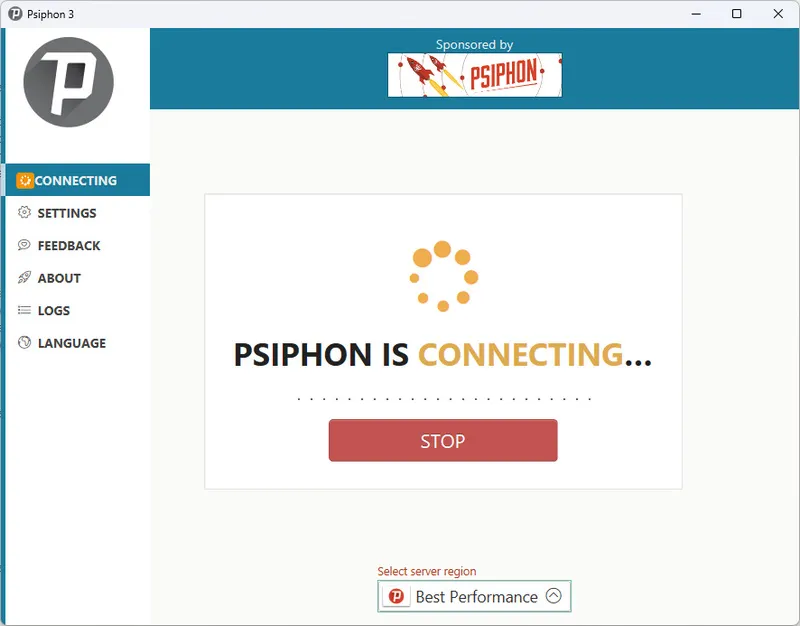
- It's free and open-source, no hidden fee.
- Powerful unblocking capabilities.
- Supports multiple platforms.
- Interface is very basic with ads so it's not user-friendly.
- Can be slow on weak internet connections.
- Some schools actively block Psiphon.
- Full browser is only for iOS, while the Android and Windows can only have the VPN feature.
6. UR Browser
Focusing on privacy, UR Browser is one of the top unblocked browsers. It is undetectable by basic school filters and enables you to access unblocked sites with a built-in VPN, ad-blocker, and tracker blocker. Windows and Mac versions are available now.
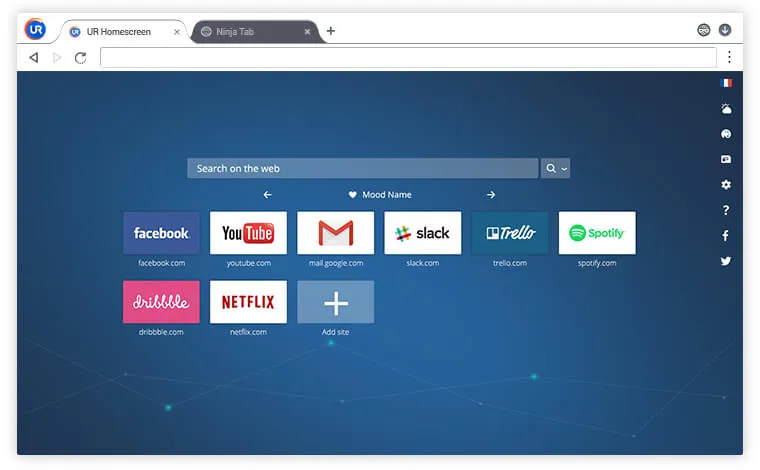
- Free VPN with no data limits.
- Strong privacy protections.
- Fast and lightweight.
- Limited mobile support.
- It's not compatible with Chromebook.
- The unblocking effect may not be so outstanding.
7. Epic Privacy Browser
As one of the top unblocked browsers, Epic Privacy deletes your browsing history, cookies, and trackers automatically. Just like the name suggests, it attaches great importance to privacy. It’s Chromium-based, so it works on Chromebooks, Windows, and Mac. Android and iOS versions are provided as well.
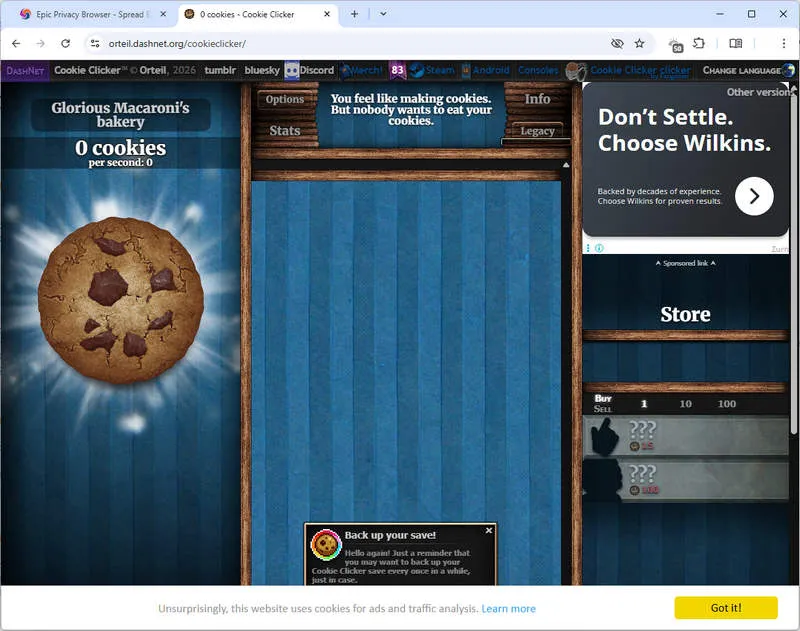
- Chromium-based has a high possibility of being compatible with Chromebook.
- It has automatic privacy protection and no traces left.
- Simple to use without complicated tricks.
- The ad blocker is not quite useful sometimes.
- Some streaming sites may detect and block it.
- Limited customization options.
8. DuckDuckGo Browser
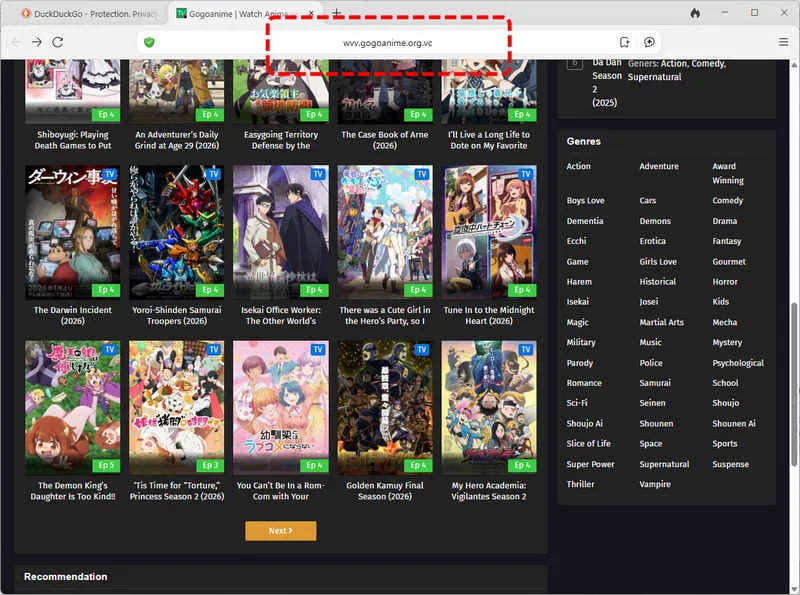
DuckDuckGo’s browser is all about privacy, since it uses private search and encryption to keep your activity hidden, no tracking, no ads. This unblocked browser has built-in features to bypass school filters. It’s available on Windows, Mac, iOS, Android, and as a browser extension for Chrome, Firefox, Edge and Opera.
- Works on Chromebooks via extension.
- Strong privacy and ad-blocking.
- Consice and user-friendly interface.
- No built-in VPN, so it's weaker for strict site blocks.
- May not unblock heavily restricted sites.
- The loading speed is not stable.
9. Puffin Browser
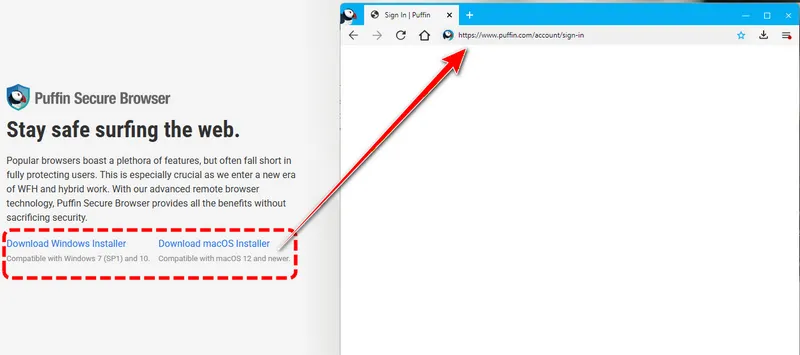
The unblocked browser Puffin Browser uses cloud computing to load sites fast and bypass filters. It’s lightweight and works on restricted school or workplace networks. However, the design may be very old and you need to sign up first before browsing. Compatible with Windows, Mac, Android, Android TV and iOS.
- Fast cloud-based loading makes it great for slow school WiFi.
- Strong compatibility with multiple devices.
- Easy to use.
- It can't guarantee your privacy.
- Need to sign up before using.
- May not unblock all sites.
- Old-fashioned design.
10. Startpage Browser
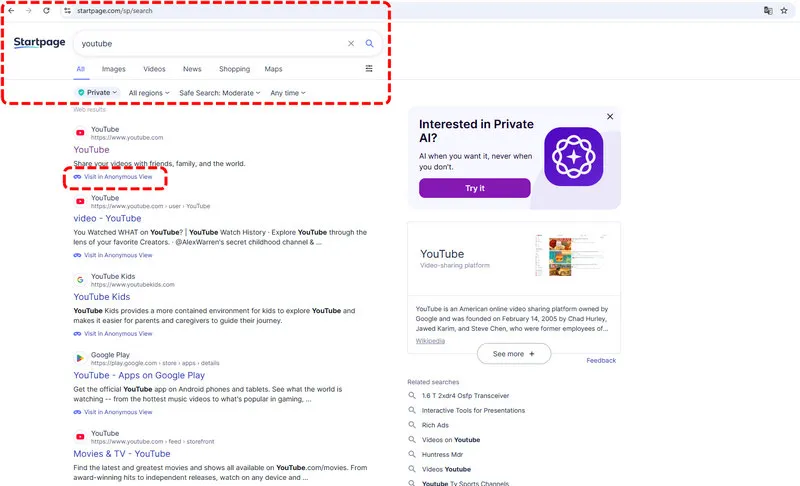
Startpage is a privacy-focused unblocked browser that uses private search and encryption to visit sites you want. It’s available as an app for iOS, Android, and as a browser extension for Chromebooks. It doesn’t track your activity, making it a safe choice for school.
- It is fully compatible with Chromebooks.
- Strong privacy protections.
- It's free to use.
- Lack built-in VPN.
- Sometimes it takes long time to load a page.
- Anonymous view mode is not smooth.
11. Zen Browser
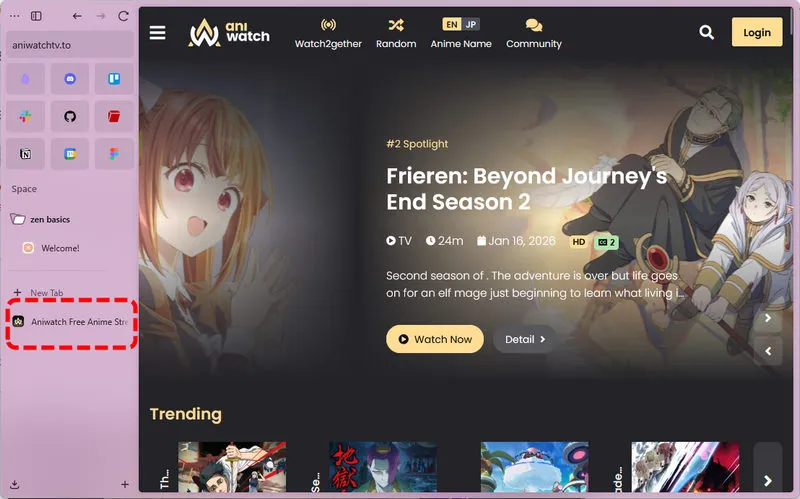
Zen is another top unblocked browser for school. With built-in ad-blocker, tracker blocker, and optional VPN integration, it can be your great option for modern and customization. Free and open-source, but it only supports Windows.
- Attractive design and interface.
- Highly customizable as you like.
- Fast loading speed.
- No built-in VPN feature.
- Lack the compatibility with mobile devices and Chromebooks.
Part 4: Alternative Methods to Access Any Sites at School
Unblocked browsers are powerful to stream sites you want to visit at school, however, sometimes they don't work or your school unfortunately blocks them. The following are highly frequently used alternative methods that can also help you access any sites. Let's jump in.
Method 1: Remove Screen Time Restriction
You may have noticed that even if you bypass school network, there is still a hidden wall between you and the unblocked sites. MDM and screen time restrictions set on school-issued devices are the problem. School now basically uses two measures to block you, so it's necessary to remove screen time for unblocking.
Fortunately, Syncios Passcode Unlocker is designed to unlock locks on iPhone or iPad. This professional tool allows you to remove screen time restrictions without knowing the password. Furthermore, all your phone data will be kept intact after the removal, and then without restrictions, you can install new apps, stream social media and visit various web content. Syncios Passcode Unlocker also excels at removing Apple ID and screen passcode if needed.
Syncios Passcode Unlocker
- Unlock 4/6-digit code/Face ID/Touch ID all screen lock without password.
- Unlock iPhone Apple ID with one click.
- Recover and reset Screen Time passcode without losing data.
- Remove Screen Time passcode without passcode.
- Support all iPhone models and iOS versions.
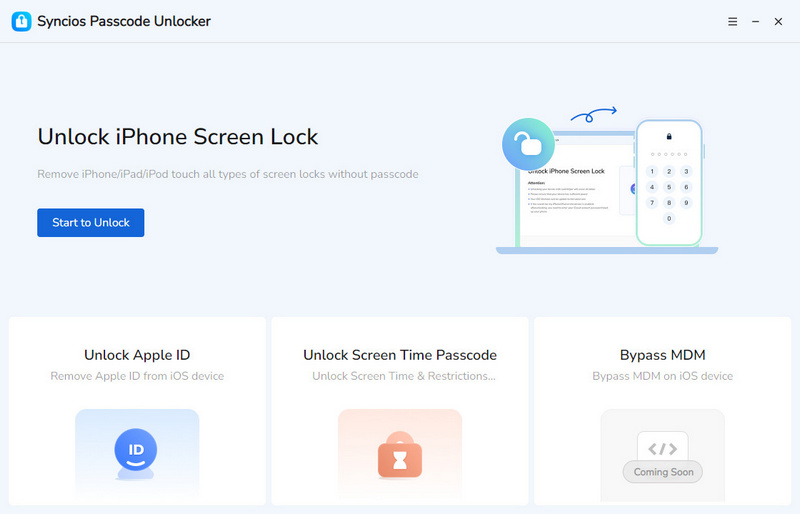
- Step 1: Connect. You will need a computer and a USB cable. Download and install Syncios Passcode Unlocker, then connect your school-issued iPhone to iPad to your computer via the USB cable. Tap "Trust" when it prompts "Trust This Computer".
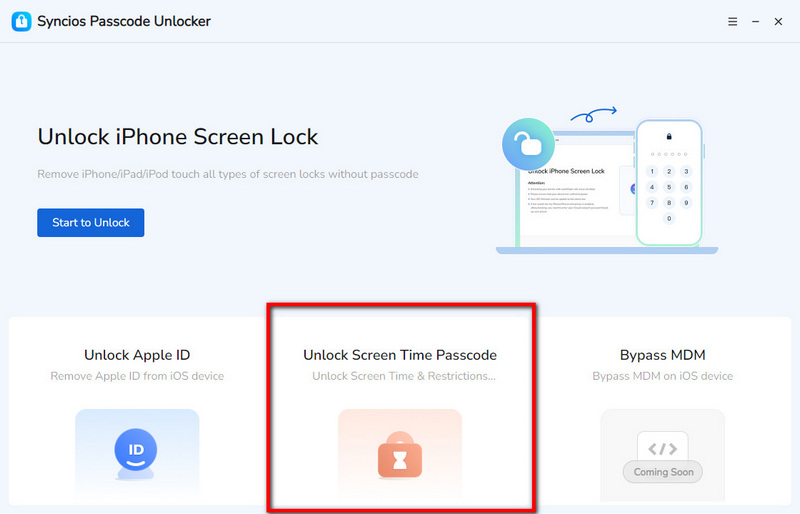
- Step 2: Select. Syncios Passcode Unlocker enables you to remove screen time restrictions, Apple ID and various screen locks. Choose the mode you want to use, such as "Unlock Screen Time Passcode".
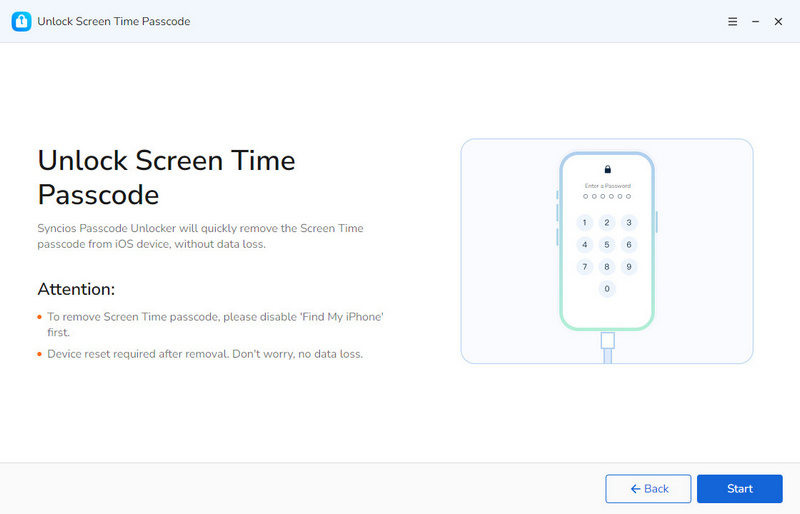
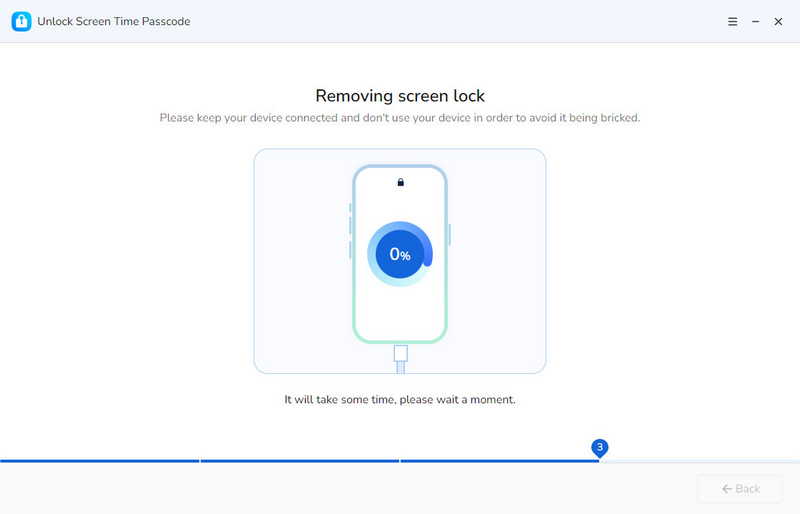
- Step 3: Bypass. Then click the "Start" button if you are ready to unlock. Note that bypassing Apple ID and screen passcode will erase your phone, while removing screen time will not delete anything.
- Keep the connection stable and wait patiently. Syncios will remove screen time restrictions quickly. No complicated setup.
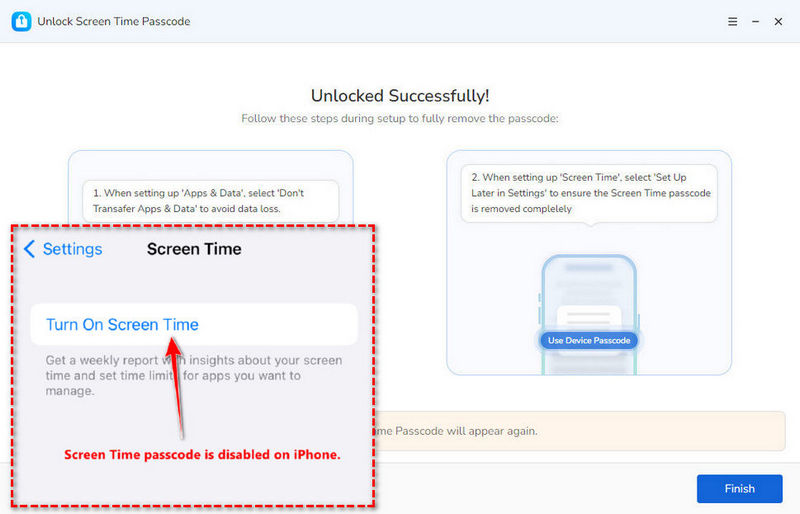
- Step 4: When it's done, your iOS device will restart and you will find there will be no more screen time restriction.
Method 2: Use Personal Hotspot
For school computers or Chromebooks, using personal hotspot is the most reliable method to bypass school network effectively. As for school-issued iPhone or iPad, it is recommended to directly mobile data if you have a plan. No filters so so blocks. But if you can't make any changes to device settings, remove restrictions set on devices first.
How to Use:
- Step 1: iOS: go to Settings > Personal Hotspot > Toggle on. Android: Go to Settings > Mobile Hotspot > Toggle on.
- Step 2: Set the WiFi name and password on your phone.
- Step 3: Then on your school computer, laptop or Chromebook, connect to your hotspot via WiFi settings.
- Step 4: Open any browser and you will have unrestricted access.
Method 3: Use VPN
VPN is also widely used to bypass school network entirely if the unblocked browsers fail. It is secure and will encrypt your traffic. But it has an obvious weakness. VPN software can only working to school-issued devices that have not been controlled. If there are any restrictions like MDM or screen time to disallow you from installing apps, this method can hardly help.
How to Use:
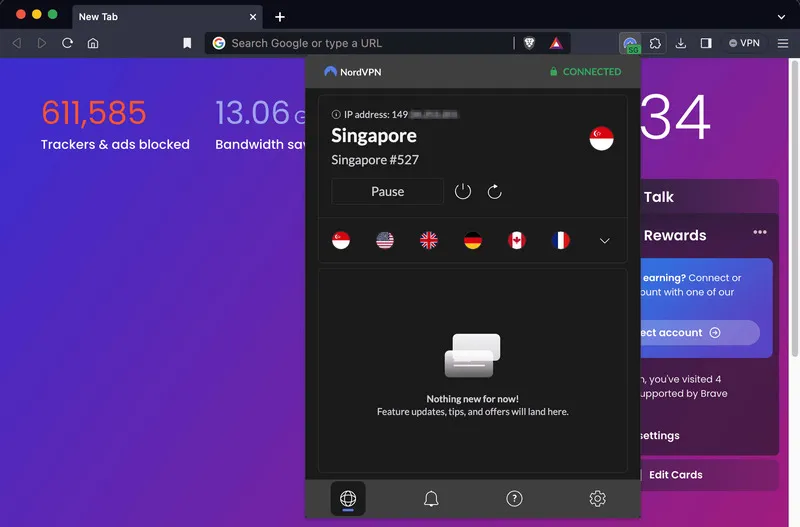
- Step 1: Choose a student-friendly VPN or those have student discounts, such as NordVPN, Surfshark, ExpressVPN, etc.
- Step 2: Download the VPN app on your device if allowed. Or, some VPN has the online version, you can use a browser extension for Chromebooks.
- Step 3: Next, sign in with your subscription account and connect to a server.
- Step 4: Visit any sites you want without blocking.
Method 4: Use Web Proxy
A web proxy acts as an intermediary to fetch the sites you want to visit for you. Compared to VPN, it works to bypass school filters without downloading an app, but it is less secure and slower when loading certain websites.
How to Use:
- Step 1: Go to a free web proxy site, for example, ProxySite, Hide.me, KProxy, etc.
- Step 2: In its main interface, enter the URL of the site you want to access.
- Step 3: Then click "Go" button. Proxy loads and brings the site for you.
FAQs About Unblocked Browsers
It is not illegal to unlock a school Chromebook, but this generally violates school policy. Thus, it is not recommended to unlock Chromebook from the device-level like removing MDM, since school IT department may detect it. If you want to visit certain websites on Chromebook and don't violate rules, the safest way is to try various unblocked sites, including games, music, anime, movies, etc. You can access one without risks if you are lucky.
Brave Browser or Opera Browser, as mainstream browsers, can be your top picks because both of them are Chromium-based and compatible with Chromebooks. Besides, they have built-in unblocking features like VPN and privacy tools. You can easily install via the Google Play Store. If the desktop app is not your option, you can also choose the Startpage and DuckDuckGo Browser, running directly on the Chrome browser to unblock any sites.
To bypass school block sites, you can try these top unblocked browsers. Browsers with built-in VPN can be more reliable. Alternatively, using Syncios Passcode Unlocker to bypass screen time restrictions or connecting to a personal hotspot can be good options as well.
If your school browser is locked by network and you can't access certain sites, use an unblocked browser or a personal hotspot. If the device browser itself is restricted, it is highly recommended to bypass Screen Time/MDM first.
Final Words
We have to admit that unblocked browsers for school are a wise option to bypass school network restrictions and visit any site. Whether you are using Chromebooks or school-issued iOS devices, this guide helps you pick the top browser that fits your needs the best. If browsers don’t work, removing Screen Time restrictions with Syncios Passcode Unlocker, using personal hotspots is always your reliable backup. Remember to use these methods flexibly, and you’ll access what you need without much hassle.
What's next? Download Syncios Passcode Unlocker now!

Ethan Mercer | Senior Writer
Related Articles
Related Solutions

Remove iPhone screen passcode, Apple ID, Face ID, and more in minutes.